Tlab.pro 5.9.2 — blog, help search and seeded playoff draws
7/14/2026
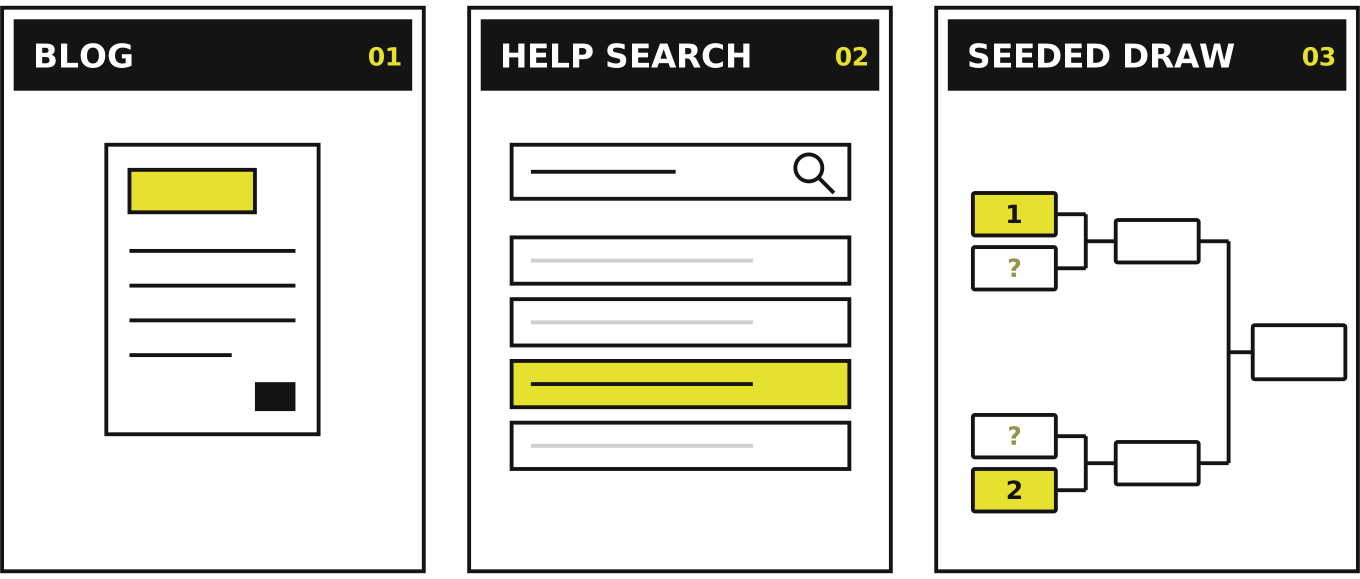
Update 5.9.2 is live on Tlab.pro. This release does two things: it makes answers easier to find — with a new blog and a searchable help section — and it gives playoff organizers a tool competitive events have long relied on: the seeded draw. Here is what changed.
A blog for tournament organizers
The service now has a blog — a growing collection of practical guides on running tournaments. The first articles cover the essentials: how to choose a tournament format, how a single-elimination bracket is built and why byes appear in it, what the lower bracket in double elimination is for, how to calculate rounds and build a round-robin schedule, and when the Swiss system beats both.
Every article is published in English, Russian and Polish, and new ones will appear regularly.
Help you can search
The help section has been reorganized and — more importantly — got a search box. Type a word, and the topic list collapses to the entries that mention it, each with a snippet of the surrounding text so you can tell which match answers your question. Clearing the search brings the full list back.
The topics themselves were reviewed and updated as well — from creating a tournament and self-registration of participants to entering match results and linking tournaments into multi-stage events.
Seeded draws in playoff tournaments
The headline feature of this release. Until now a playoff bracket was built either straight from the participant list order or by a fully random shuffle. Both work for casual events, but a blind draw can pair the two strongest players in round one — and one of them goes home early.
A seeded draw solves this. Mark your strongest participants with seed numbers, and the draw places them in the standard protected positions: seed 1 and seed 2 can only meet in the final, the top four cannot meet before the semifinals, and so on. Everyone else — including byes, if the field is short of a power of two — is drawn into the remaining slots at random.
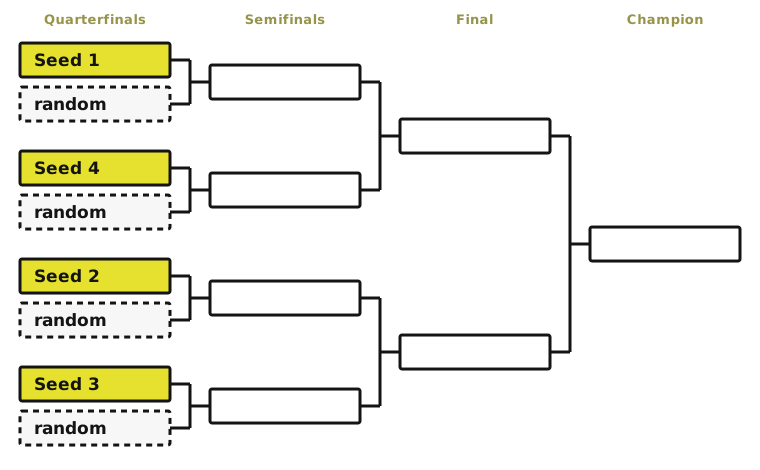
To use it in the tournament creation wizard:
- Choose the Playoff format and enable Shuffle after creation in the participant list.
- Turn on the seeding option that appears below — the comment column turns into the Seed column, and the top two participants are seeded automatically.
- Mark or unmark a participant as seeded with the star, and use the arrows to order the seeds — for a seeded row the arrows change its seed number. Numbering 1, 2, 3… is assigned automatically, so gaps and repeats are impossible.
Seeding works for both single and double elimination, and the seed numbers stay visible next to the participants after the tournament is created.
Try it out
That's 5.9.2: read the blog, search the help, and create a tournament with a proper seeded draw. If something is missing or unclear, tell us — the contact links are in the help section.