Tlab.pro 5.13.1 — an Overview page for every tournament
11/9/2026
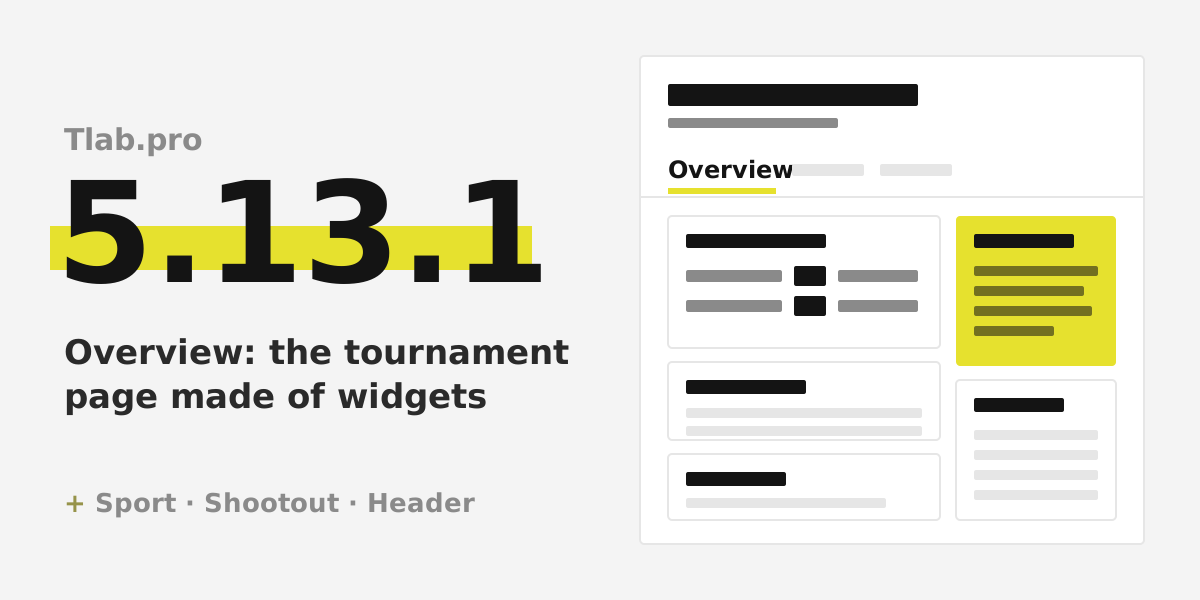
Update 5.13.1 is about the tournament page telling its own story. Until now a tournament opened straight on its bracket or table, and everything around it — where to play, how much the entry fee is, whom to call, who plays next — lived in a chat or in the organiser's head. Now a tournament can open on an Overview page that answers those questions by itself. It also knows what sport it is, hockey got its own way of ending a match, and the header became quieter.
Overview: a page about the tournament
Overview is a new first tab of the tournament, and the tournament opens on it. The page is built from widgets in two columns: the main one and a side one. On a phone the columns do not simply stack — their widgets alternate, so the side column does not end up at the very bottom.
You do not have to build the page from scratch:
- A tournament with registration has Overview for as long as registration is open, with a ready set: Registration, About the tournament and Participants. The sign-up button is right there.
- Any other tournament gets it with the Show the Overview tab checkbox in the tournament settings. Ticking it lays out a set for the current stage by itself: while the tournament is in progress — Upcoming matches, Latest results and Standings / bracket; once it is finished — Winners or the final standings, plus the results.
- Customize page edits the page right where it is, without a separate form. Every widget has a When to show setting with three stages — registration, in progress, finished — so the page changes as the tournament goes on.
Twelve widgets are free: About the tournament, Registration, Participants, Upcoming matches, Latest results, Standings / bracket, Winners, Organiser and contacts, Entry fee, Venue, Prizes and Text.
Eight more come with Premium: Announcement, Sponsors, Day schedule, Stream, Viewers' prediction, Statistics, News and Photos. Without Premium visitors see up to four widgets. A Premium widget can be tried before you pay for anything: add it, set it up and look at it on the page — it stays visible to the organisers only, marked Trial. Premium comes either with a code for one tournament or with the author's subscription; both are described under Pricing plans in the help section.
When each widget is worth having, from the first sign-up to the photos after the final, is covered in the guide to the tournament page and its widgets. The buttons and settings are in the help topics on the Overview tab and on the widgets.
The sport of a tournament
A tournament now has a Sport field, both when it is created and in its settings. The list holds 21 sports: football, futsal, table tennis, tennis, padel, badminton, squash, volleyball, beach volleyball, basketball, handball, ice hockey, floorball, chess, checkers, darts, billiards, bowling, martial arts, esports and board games. If yours is not there, pick Other… and type your own, up to 40 characters. The field is optional: a tournament without it works exactly as before.
The sport shows up in the list of tournaments, in the tournament list on a user's page and in the line of facts at the top of Overview. A visitor sees at a glance whether this is a darts evening or a futsal cup, without opening the tournament. ## Shootout: a hockey outcome
The match result dialog has a new outcome among the others: shootout. In the table such a match is marked SO.
It is not penalties under another name. In football the penalty series is a separate score that decides the match, and without it penalties cannot be saved. In hockey the tradition is different: the winner of the shootout is credited with one goal in the final score, so a match tied 2:2 is recorded as 3:2 SO. That is why the series itself is optional here — enter it if you want it on record, skip it if not. One thing is not allowed: a level score with no series, because then the match has no winner, and a shootout always has one.
In the standings a shootout counts as a win beyond regulation time, the same as extra time: if your points scheme pays less for a win in extra time, a shootout win gets the same. How outcomes are entered is in the help topic on entering a match result; penalties and the other outcomes arrived in update 5.10.1.
A tidier tournament header
The header at the top of every tournament tab got lighter.
- On a phone it is more compact: the title is smaller, and there is less empty space above it. The extra header sections that the organiser adds at the Additional info step — a name and a value each, such as the date or the venue — now run in one line, Name: value · Name: value, on every tab of the tournament, instead of a stack of rows above the bracket.
- On a computer the same sections look calmer: the name in small grey capitals, the value larger, and a line in the tournament colour.
- Without a logo the header no longer draws an empty circle where the logo would be — the title moves to the left edge instead.
On the blog: free bracket makers compared
We have published an honest review of free bracket generators: what each of them does well, where it stops, and where Tlab.pro is the better or the worse choice. If you are choosing a service for your next event, start with free bracket makers compared.
Try it out
That is 5.13.1: a tournament page that tells visitors where, when and how much without a message in the chat, a sport on every tournament, the shootout for hockey and a quieter header. The previous release was update 5.11.1, with knockout brackets for up to 1024 players.
Open one of your tournaments and tick Show the Overview tab, or create a new one — for a knockout event the single elimination bracket generator is a quick start. If something is missing or unclear, the contact links are in the help section.